░█████╗░███╗░░░███╗░█████╗░░██████╗███╗░░██╗██╗███╗░░░███╗░█████╗░░██████╗ ██╔══██╗████╗░████║██╔══██╗██╔════╝████╗░██║██║████╗░████║██╔══██╗██╔════╝ ███████║██╔████╔██║██║░░██║╚█████╗░██╔██╗██║██║██╔████╔██║██║░░██║╚█████╗░ ██╔══██║██║╚██╔╝██║██║░░██║░╚═══██╗██║╚████║██║██║╚██╔╝██║██║░░██║░╚═══██╗ ██║░░██║██║░╚═╝░██║╚█████╔╝██████╔╝██║░╚███║██║██║░╚═╝░██║╚█████╔╝██████╔╝ ╚═╝░░╚═╝╚═╝░░░░░╚═╝░╚════╝░╚═════╝░╚═╝░░╚══╝╚═╝╚═╝░░░░░╚═╝░╚════╝░╚═════╝░ .neocities.org

Hi there, greeting visitor! This site is built with HTML and CSS only, no scripts, cookies, trackers, or ads. It can be viewed in terminal browsers like lynx or w3m, except for the Terminal page, which requires JavaScript.
// New articles will most likely appear in the blog directory of the terminal page. If you’re not familiar with using a Bash terminal or a Linux-like system, this is a great opportunity to learn, exploring the terminal can be fun and gives you direct access to all the latest content.
Internal Links:
Other of my projects
Project FLEXNET
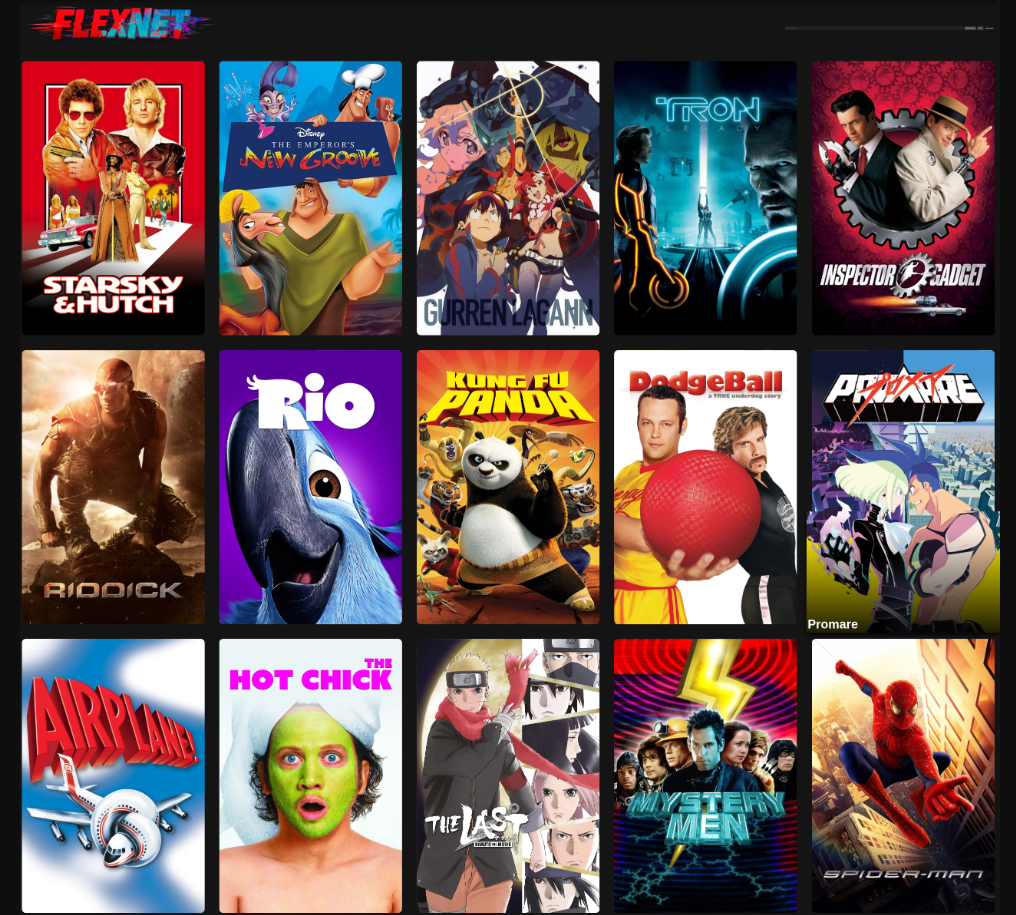
This is an offline media gallery package. It is designed to browse and play local movie files directly in the browser without streaming services or internet access. Each movie is stored in its own folder containing a video file (movie.mp4) and a poster image (cover.jpg). The movie list is controlled by editing the “data” section inside the HTML file.
A hover sound file (hover.ogg), Click sound file (click.ogg) and Start sound (start.ogg) must be placed in the same directory as the main HTML file for interface interactions. The logo file (logo.png) and splash.gif must also be in the same directory as index.html for proper display.
The export.py tool is a Python automation script used to manage and build the FLEXNET movie library. It scans your local movie directory, creates the required folder structure, optionally converts video files to MP4 using ffmpeg, and then automatically updates the FLEXNET HTML file so new movies appear in the interface.
Before using it, you must configure two paths inside the script:
HTML_PATH = "/path/to/flexnet/index.html"
ROOT = "/path/to/MOVIES"
To use the tool, run it with a movie name and a video file path.
python3 export.py "movie_name" /path/to/video.mkv
If the input file is MKV, the script may prompt to convert it to MP4 using ffmpeg.
For convenience, the script can be added to your system PATH.


I might take the time to code an installation wizard at some point, but right now this project assume you are using linux and know the basics of running scripts and editing code files.
Dev notes: I started to implement keyboard control, but it's still imperfect and rough around the edges, you need to use escape to re-enable the mouse, it's a whole thing, should get improved in the future, but not polished at the moment.
Copy this code to add my button to your site: